Boris Cherny created Claude Code, but he does not use a complicated setup. Here is how he uses Claude Code:
Original post: https://x.com/bcherny/status/2007179832300581177?s=20
- Run 5 Claude Code instances in parallel in the terminal, and enable system notifications so you know when Claude needs human input.
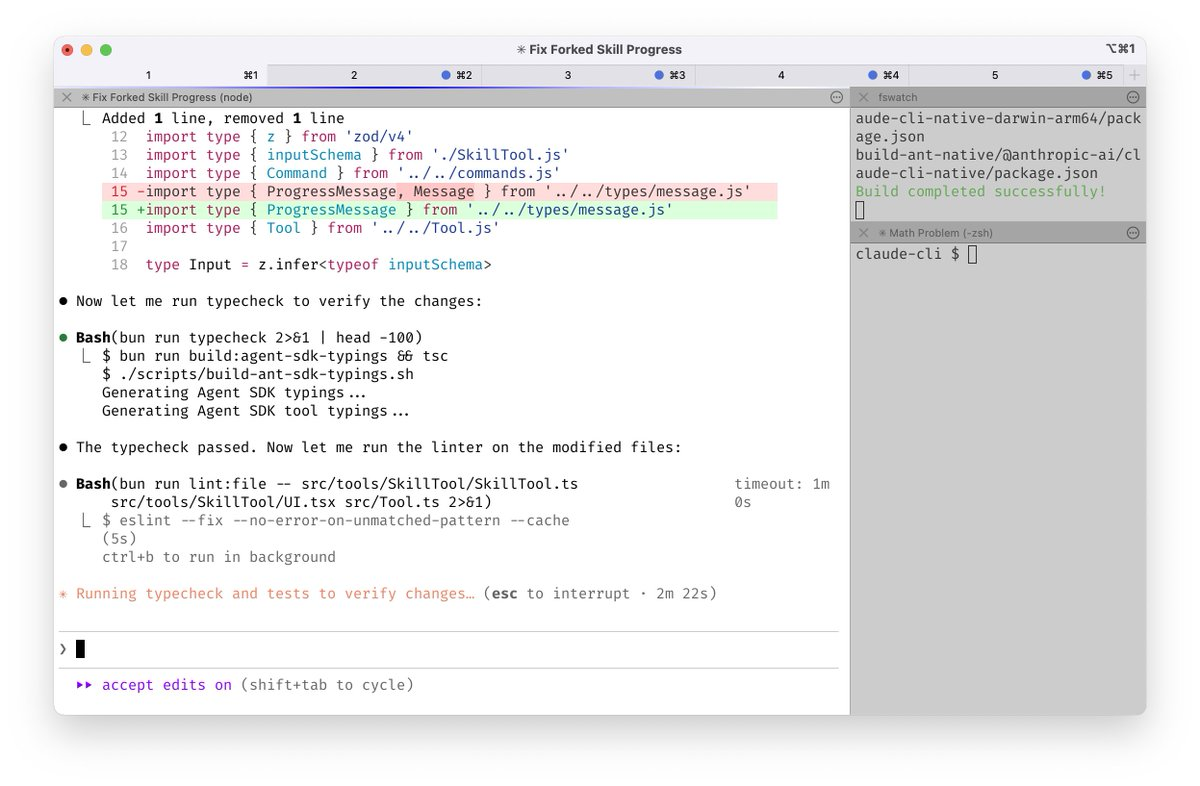
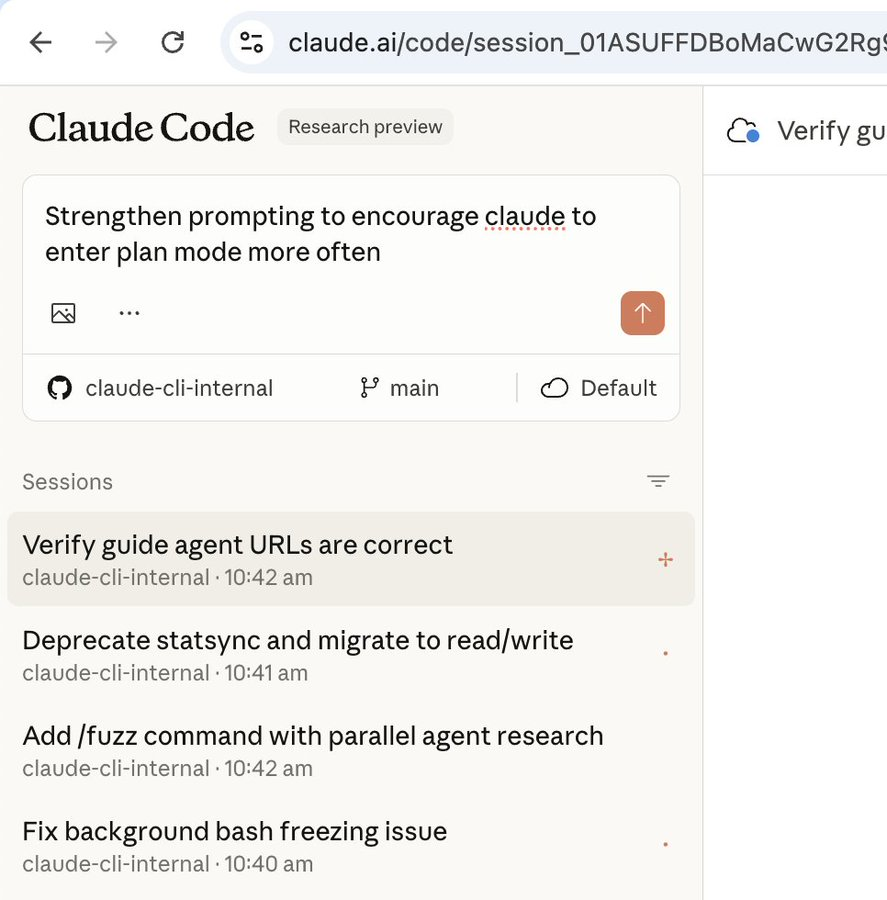
- Run 5 to 10 Claude instances on the web in parallel with local sessions, and switch using the
--teleportcommand. Boris also starts tasks on mobile every morning.
-
Use Opus 4.5 with thinking mode. He considers it the best model for coding.
-
The team maintains
CLAUDE.md. If Claude makes a mistake, record it there to avoid repeating it. -
During code review, mention
@.claudeon a teammate PR. Claude will analyze the change and append notes toCLAUDE.mdto compound knowledge over time. -
Most conversations start in planning mode.
Planmode is crucial. -
Use custom slash commands to speed up workflows and avoid repeating prompts. Boris uses
/commit-push-prto quickly commit code and open a PR. -
Use subagents. Boris uses
code-simplifierto simplify Claude generated code andverify-appto test the work. -
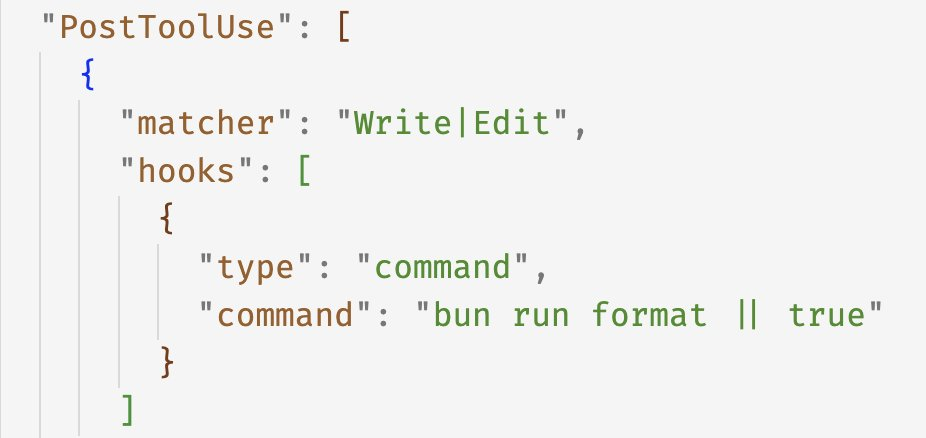
Use the
PostToolUsehook to validate code, avoid formatting issues, and follow project conventions.
-
Do not use
--dangerously-skip-permissions. -
Configure MCP services and tools, including Slack MCP, BigQuery, and Sentry.
-
For long running tasks, ensure Claude can complete work independently and self verify. Boris uses prompts for subagent validation, hook based checks for stability, and the ralph-wiggum plugin for verification.
-
The most important point is building a self verification feedback loop for Claude. He says it improves output quality by 2 to 3 times.